Choosing a CMS for a Dance School or Cultural Organization
Whether you run a tango school, a salsa studio, a folk dance group, a choir or a small festival, the website has similar jobs. This guide starts with those jobs and only then looks at the tool. A short history of how we got here is in Content management systems, then and now.
What the website has to do
Before comparing systems, write down what your site must handle. For most dance and cultural organizations that is:
- Regular offers: classes or rehearsals by level, with days, times and place.
- One-off events: milongas, socials, workshops, performances, festivals – with date, time, venue, price and a link for tickets or registration.
- People: teachers, artists or organizers with real names, photos and short, accurate descriptions.
- First contact: clear answers to beginner questions (Do I need a partner? What should I wear? Can I just come?) and one obvious next step.
- Practical details: address and directions, prices, contact, legal notice and privacy information as required in your country.
- Languages: many dance communities are international; two languages are common.
The site must work well on a phone – most visitors check times on the way.
Who will update it?
This question matters more than any feature list:
- How many people will edit the site, and how often?
- How comfortable are they with technology?
- What happens when the one person who knows the system leaves?
An easy system that three people can use beats a powerful one that only one person understands.
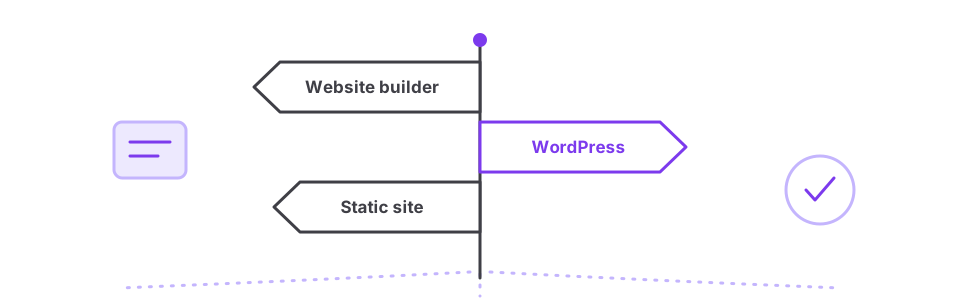
The three common routes
| Route | Strengths | Watch out for |
|---|---|---|
| Hosted website builder | Quick start, no updates to manage, editing in the browser | Monthly fees; design and features limited to the platform; moving away later can be awkward |
| WordPress or another maintained open-source CMS | Very flexible, huge choice of themes and plugins, many helpers available | Needs regular updates for security; plugin quality varies; hosting has to be organized |
| Static site | Very fast, secure and cheap to host; few moving parts | Editing usually needs someone comfortable with simple text files or a light editing tool |
For class registration and payments, many schools add dedicated booking software and link to it from the website instead of building it into the CMS.
Questions to ask before deciding
- Does the system receive regular security updates, and is it likely to still exist in five years? (Abandoned systems like the original TangoCMS show what happens otherwise.)
- Can you export your content if you want to move later?
- Does it handle a weekly schedule and one-off events well, ideally with structured event data that search engines can read?
- Can several people edit with separate logins?
- What does it cost per year, including hosting, domain and any paid add-ons?
- Is there someone in your community who already knows it?
Keeping it current
The most common problem is not the system but outdated content. Simple habits help: keep dates in one place, remove past events, put event details on the page as text (not only in a flyer image), and fix a weekly routine for checking the next four weeks.
How the website works together with newsletters, social media and event listings: The website as a hub.